
WinCC - PLCSIM Advanced Simulation
After reading the documentation for PLCSIM Advanced and observing the following table, the test was clear; with TIA Portal and WinCC Advanced or Professional it works, but ... and it works with WinCC. We have already seen that PLCSIM could be configured with WinCC, but today we are going to test it with WinCC.

Once WinCC is open, what we are going to do is create a new link for the 1500, and we configure everything exactly as if it were the real PLC, here is how to configure that Driver in case you have any doubts.
As can be seen, it works perfectly. If we look in more detail, we can check in the WinCC Channel Diagnosis, at the EntryPoint: S7ONLINE: No physical network connected.

On the machine where we have PLCSIM Advanced installed, as we mentioned to observe it, we go to the toolbar and right-click on the icon. Here we have the instance created for this simulation.


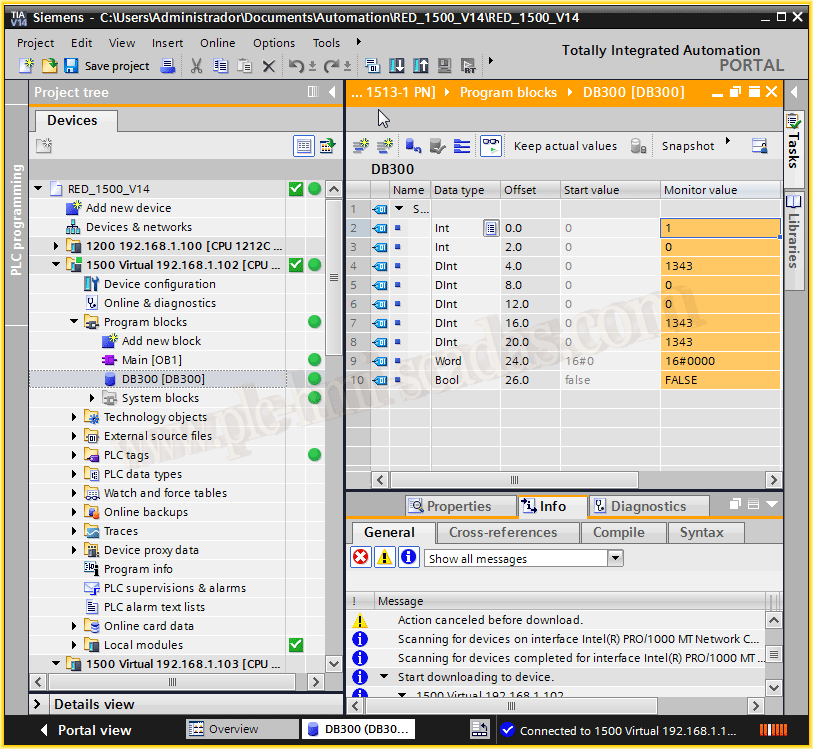
And if we go Online from TIA Portal, we access our program...
This is a great advantage for simulating the entire plant, the PLC - HMI - SCADAS.
The next step will be to check if we can also access with other systems...
January 11, 2018
"Silent gratitude isn't much use to anyone." Gladys Bronwyn Stern