
AVEVA Intouch 2020 (Import Client Controls)


We have seen the novelty of importing HTML5 Widget, but in previous versions, we already have the possibility to import our .Net controls (Client Control).
To demonstrate its operation, I have downloaded a control and we follow the next steps.
This time it is a downloaded control, but ideally, we should program our own control, with the needs we require, and we will have it available for future applications.
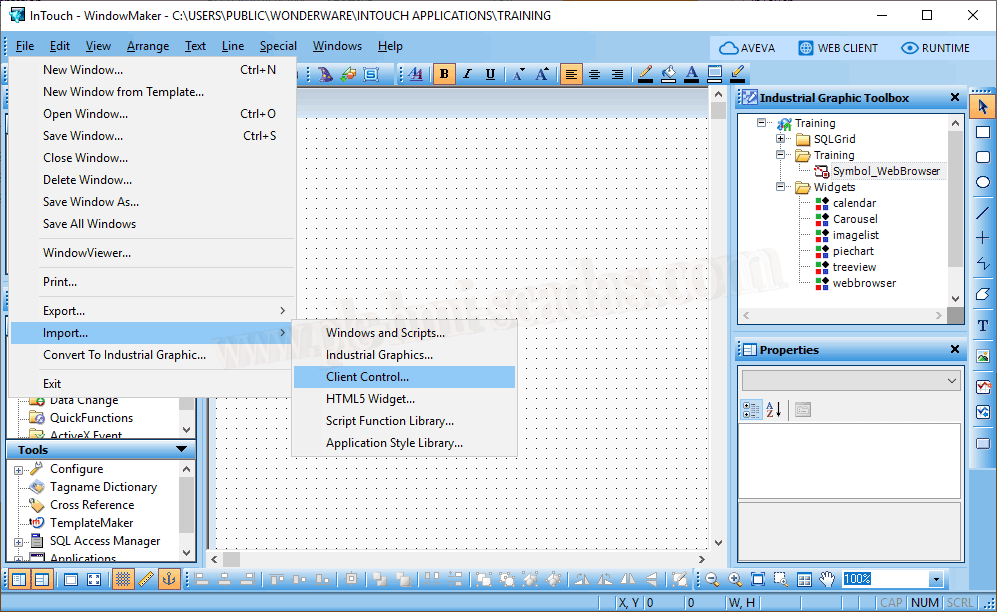
Once we have selected Import --> Client Control, it is waiting for a *.dll file, just like when we import our own library; the difference is that a control has an interface while the library consists of functions and procedures.
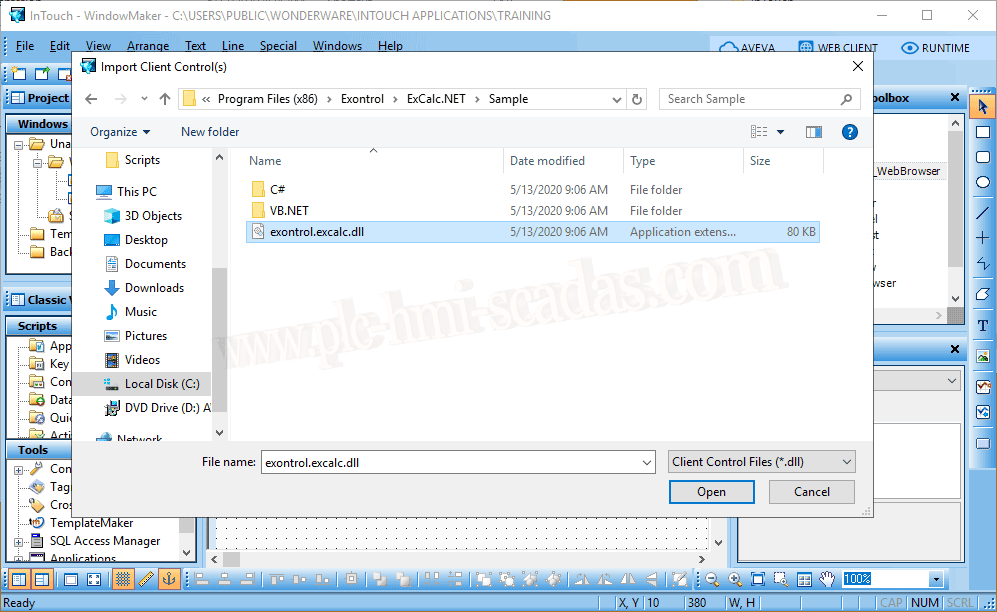
Here is the message indicating that the import was successful.
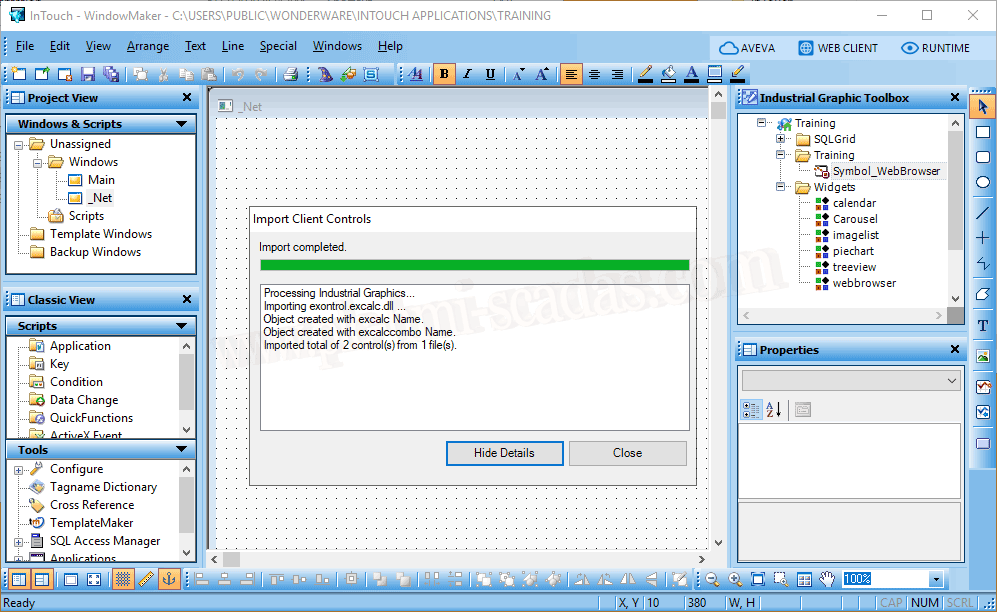
And we can see that it appears with all the .net controls, distinguished by being green. Just like with the widget controls, we cannot insert them directly onto the screen and we need to create a symbol for their use.

We create a new symbol and insert the controls for testing.

In this case, it is a calculator, so there are no properties to define. If we are interested, we can link with tags, properties that we define as common for the entire symbol, etc...
We save it and that's it, it is ready to be used.
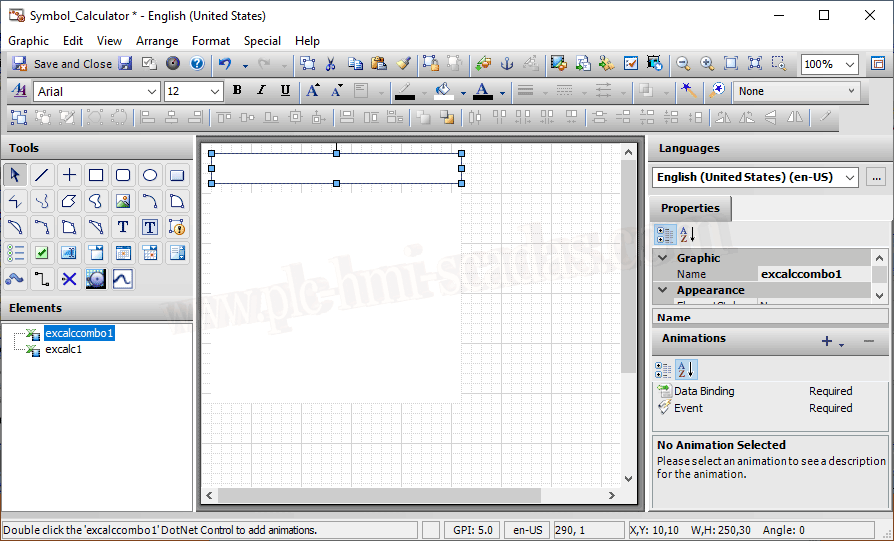
We can now select it and insert it into our screen to test its functionality.

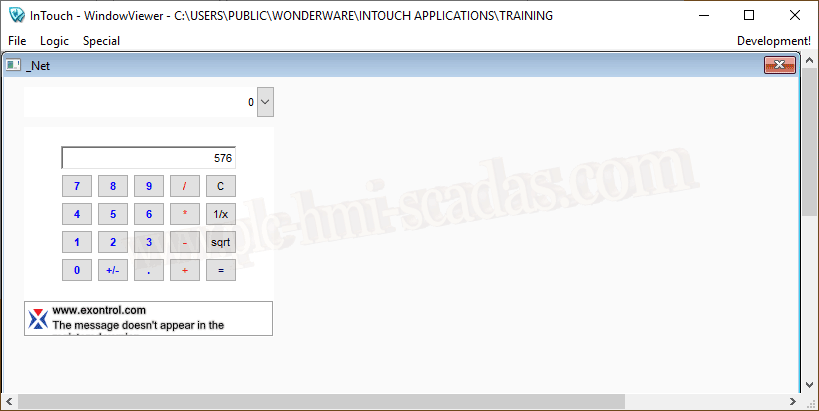
We start the Runtime and here we have our control functioning correctly.
14-05-2020
All trademarks, software, logos are the property of their respective owners.