
Enable Source Protection
If you are using a version prior to Studio5000 v31 by default and need to configure or modify a program that has some function, AddOn, etc. protected, and your version does not have the option "Configure Source Protection" enabled

In the Installation DVD, in the Tools Directory, you will find the installer for the Plugin and documentation (Source Protection Tool)
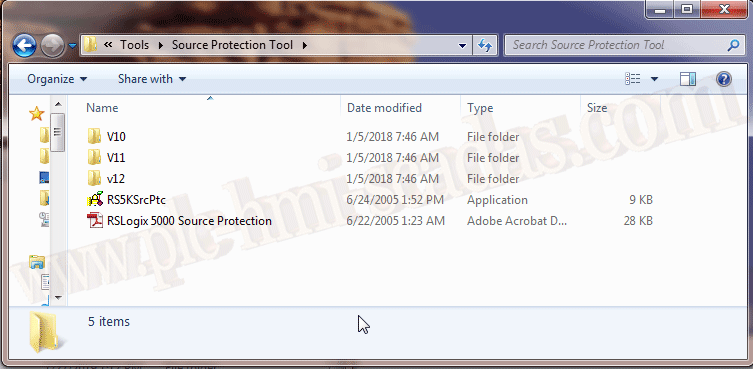
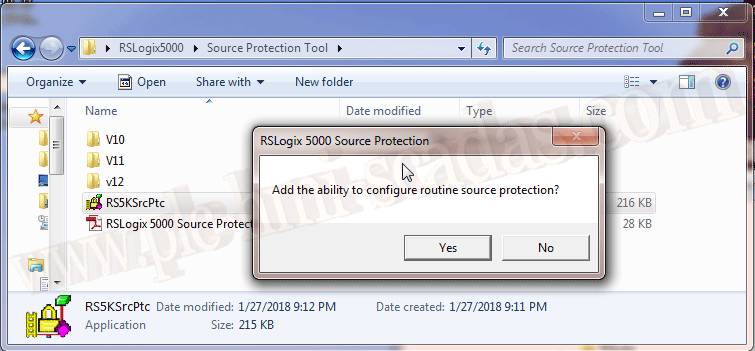
We proceed with the installation confirming that we want to add the option to enable it.
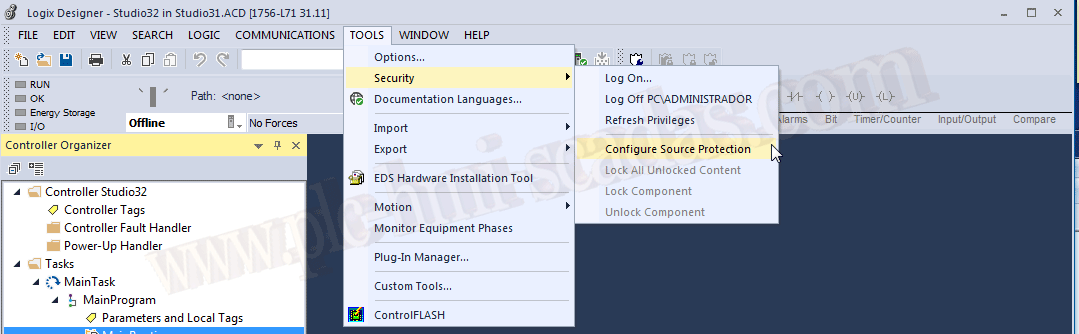
When we start our Studio 5000, the option is now available.

Starting from RSLogix Studio 5000 v31, this option is enabled by default along with new security features.
January 28, 2019
All trademarks, software, logos are the property of their respective owners.