
OPC KepServer Configuration with Omron CQM1 PLC
KepServer Configuration with Omron CQM1
We have already configured the driver for the S7-2xx PPI PLC, this time we will configure the driver to communicate with an Omron CQM1 PLC, for this we start the KepServer and add a new channel giving it the desired name
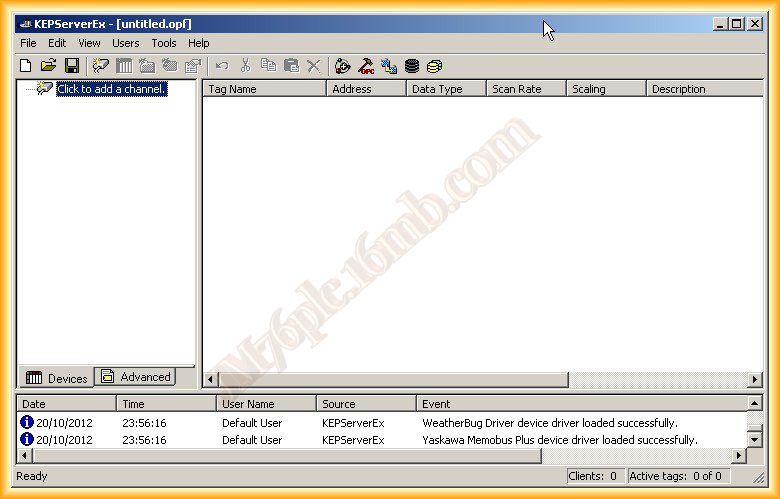
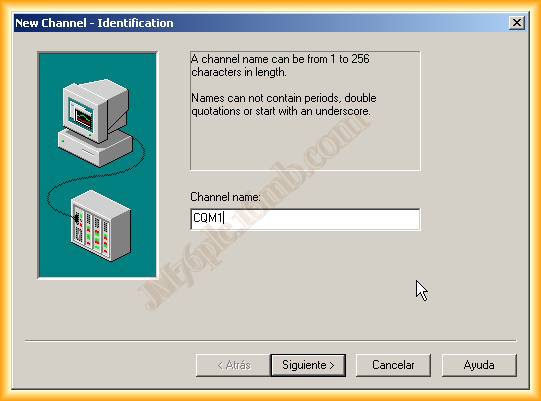
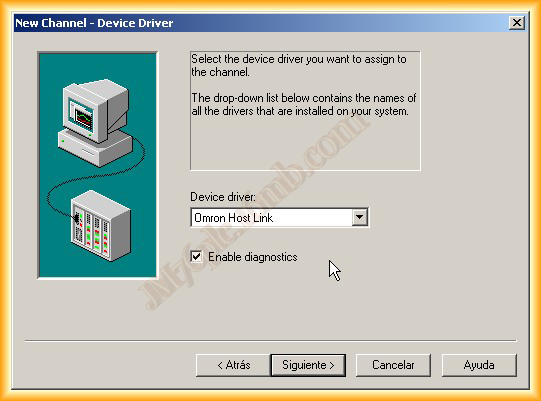
The next step is to select the driver, for our PLC we choose Host Link and the parameters of our serial port, which as we can see are the default values to communicate with the PLC, just like when the communication between PC and PLC was configured with CX-Programmer

The next step is to define the writing of our tags, by default we leave the first selection and with that the channel has been configured


Once the channel is defined, the next step is to add our device, our PLC, we give it a name according to our interest and select the PLC model, which is CQM1
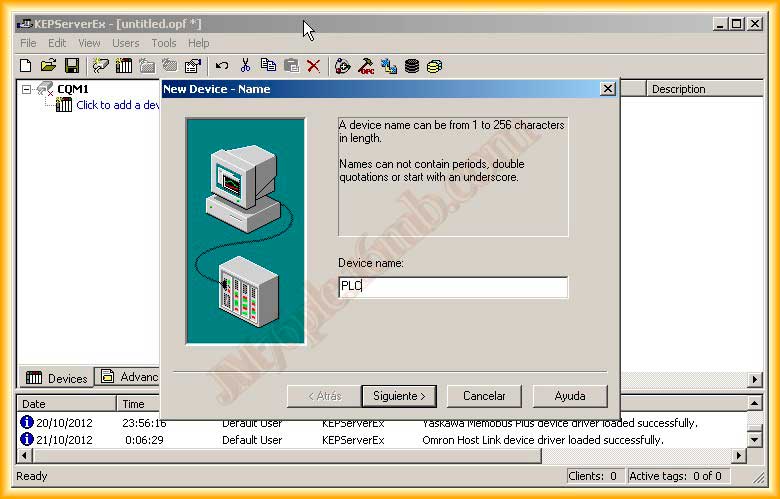

We assign a unique ID number, which cannot be repeated, and the acquisition time, which by default is 1 second and three attempts to establish communication.
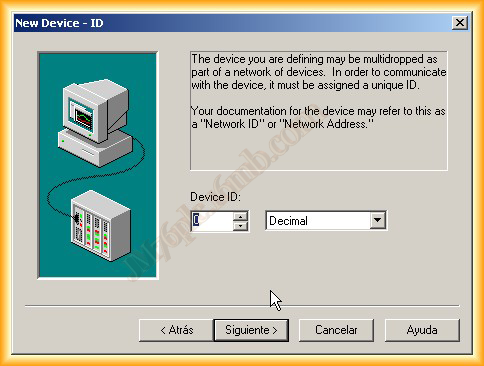

The next window is for enabling or disabling in case of failure to establish communication and the last step is to set the time, which by default is 0

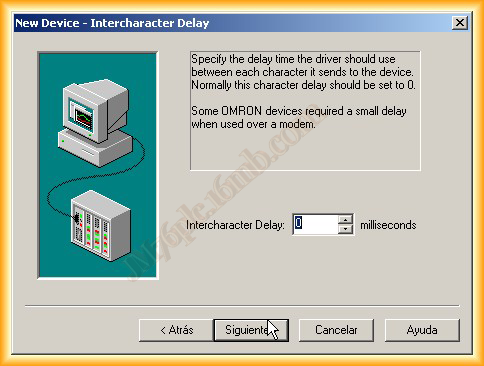
With this we have configured our channel and our device, we would be ready to add all the tags we are interested in with their data type.

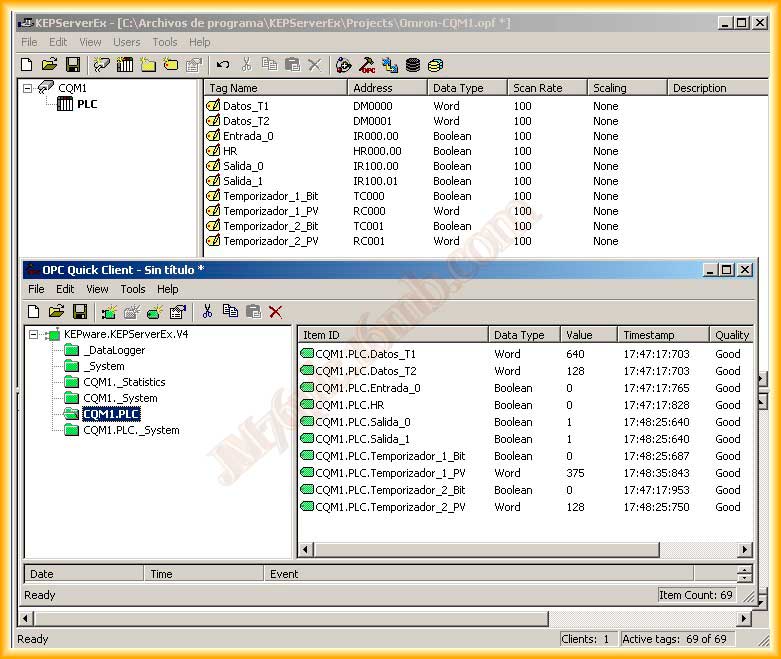
Once the tags are added, we can check that the configuration has been successfully completed by connecting our PLC to the serial port of our PC, the result when connecting with the OPC Client is as follows
February 3, 2013