
Create Backup of a GE 90-30 PLC with VersaPro
Create Backup of a GE 90-30 PLC with VersaPro
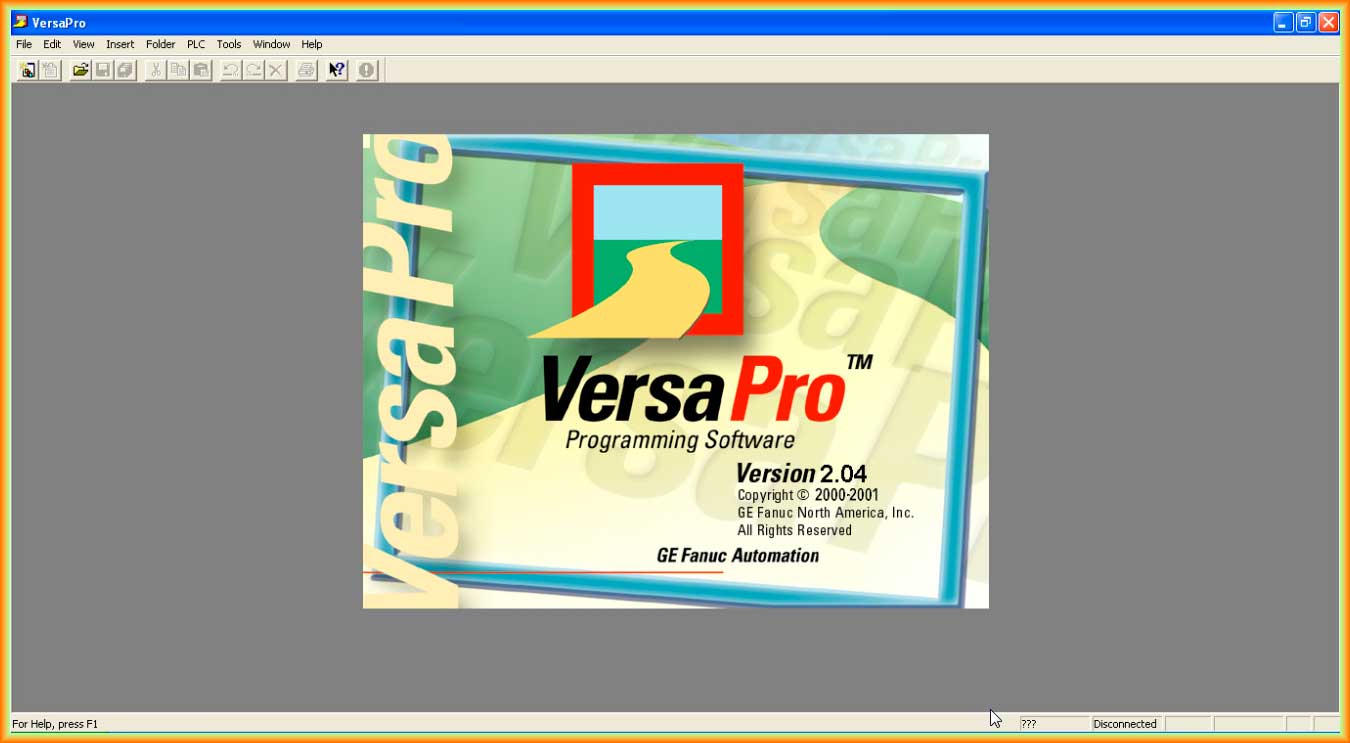
Before explaining the following practice, I must thank Raul, as without his collaboration this practice would be incomplete. It involves making a backup of the program that is loaded in a GE 90-30 PLC. For this, the software we are going to use is Versa Pro, although it is also possible to use Logic Master based on MS-DOS.
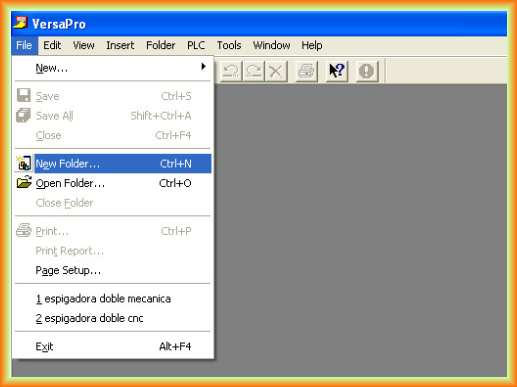
The first step will be to create a New Folder, equivalent to a new project, since projects in VersaPro are organized within them, so we assign the name that interests us.
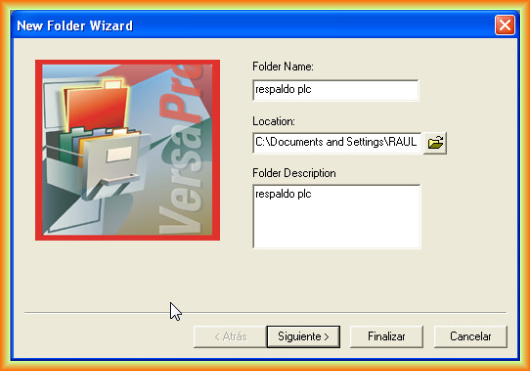
Following the wizard, we select the desired option, in this case an empty folder, which is the default value and is the one we are interested in.

A blank project is created for us, and the interface displayed is the one that can be observed.

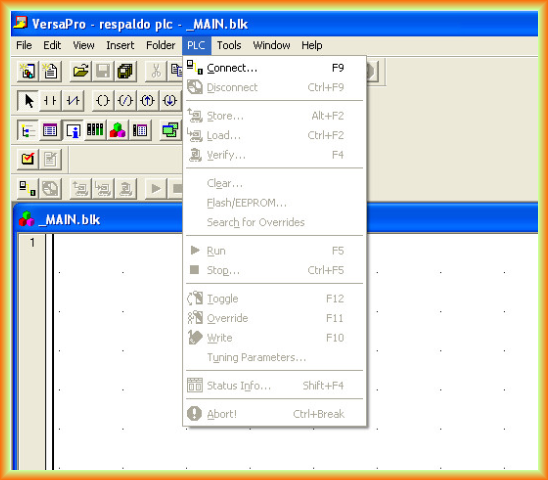
Once we have created the project, we go to the PLC tab, and once the communication cable is connected to the PLC, we select Connect.
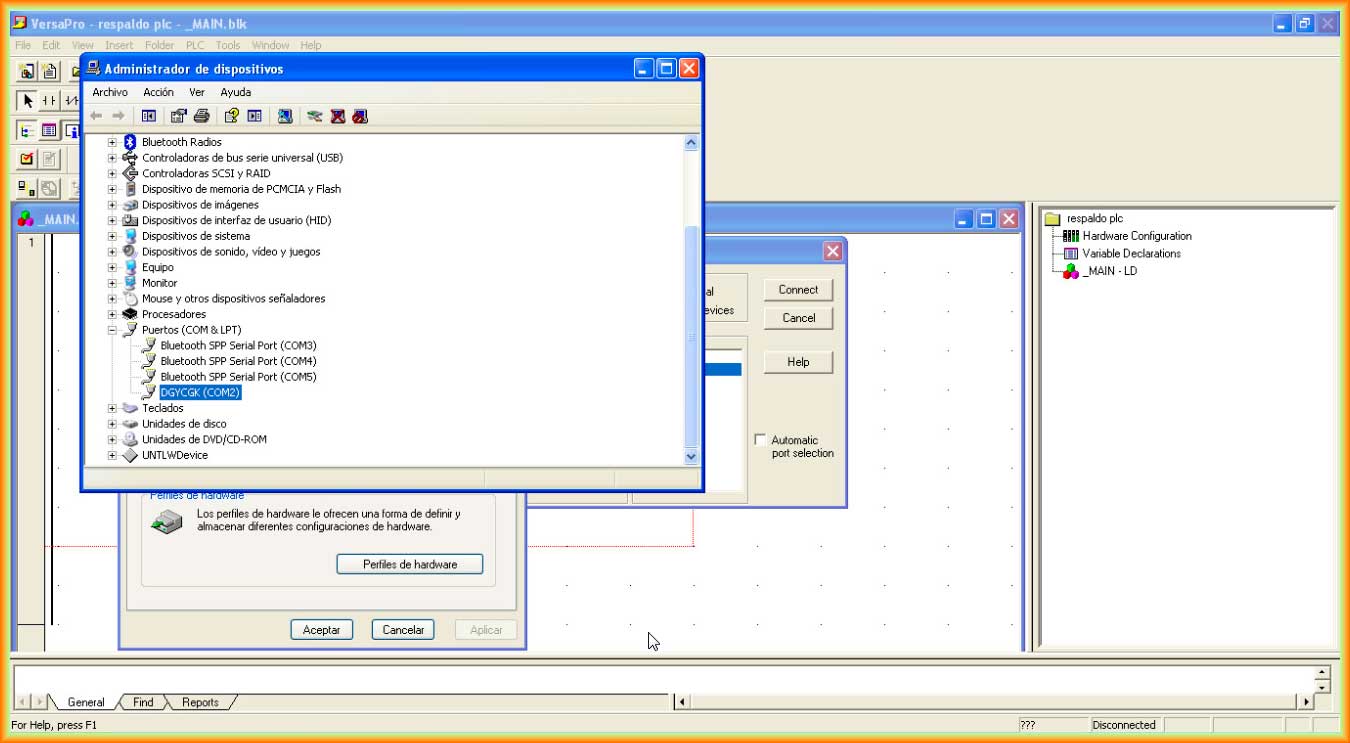
A configuration pop-up window for the port and communication protocol opens, and we select the corresponding port.

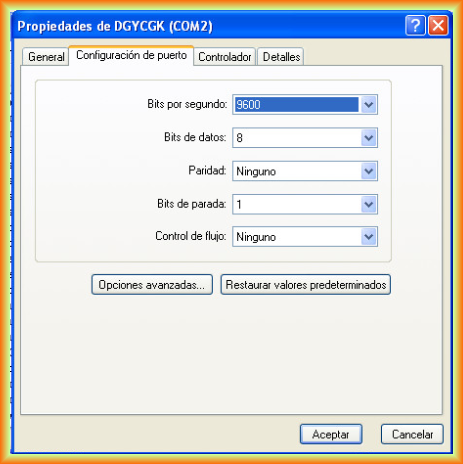
In this case, the communication port is COM2 with the default configuration parameters.
Next, a warning appears, indicating that the type of CPU configured in the project does not match the one in communication.

Once the warning is confirmed, we click Load to load the PLC configuration into our project. A pop-up window opens to confirm what we want to load from the PLC.
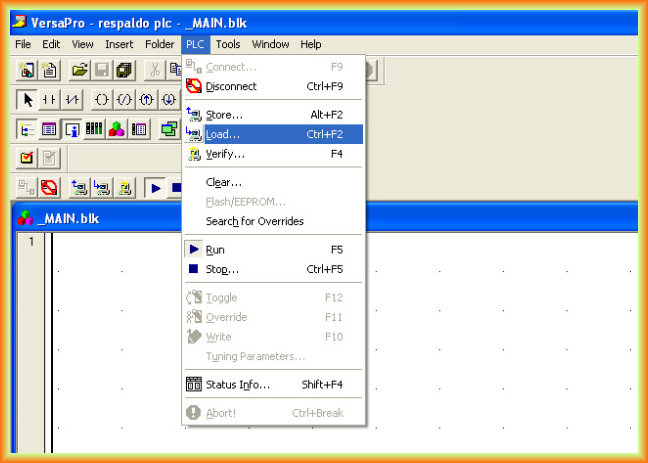
In the next pop-up window, we select whether we want to load the hardware and the program; in this case, we are interested in loading the hardware if we have not configured it beforehand.

Upon confirmation, another warning appears, indicating that the new hardware configuration will be loaded and overwrite the current one, which is our unconfigured project, so we confirm that we do.
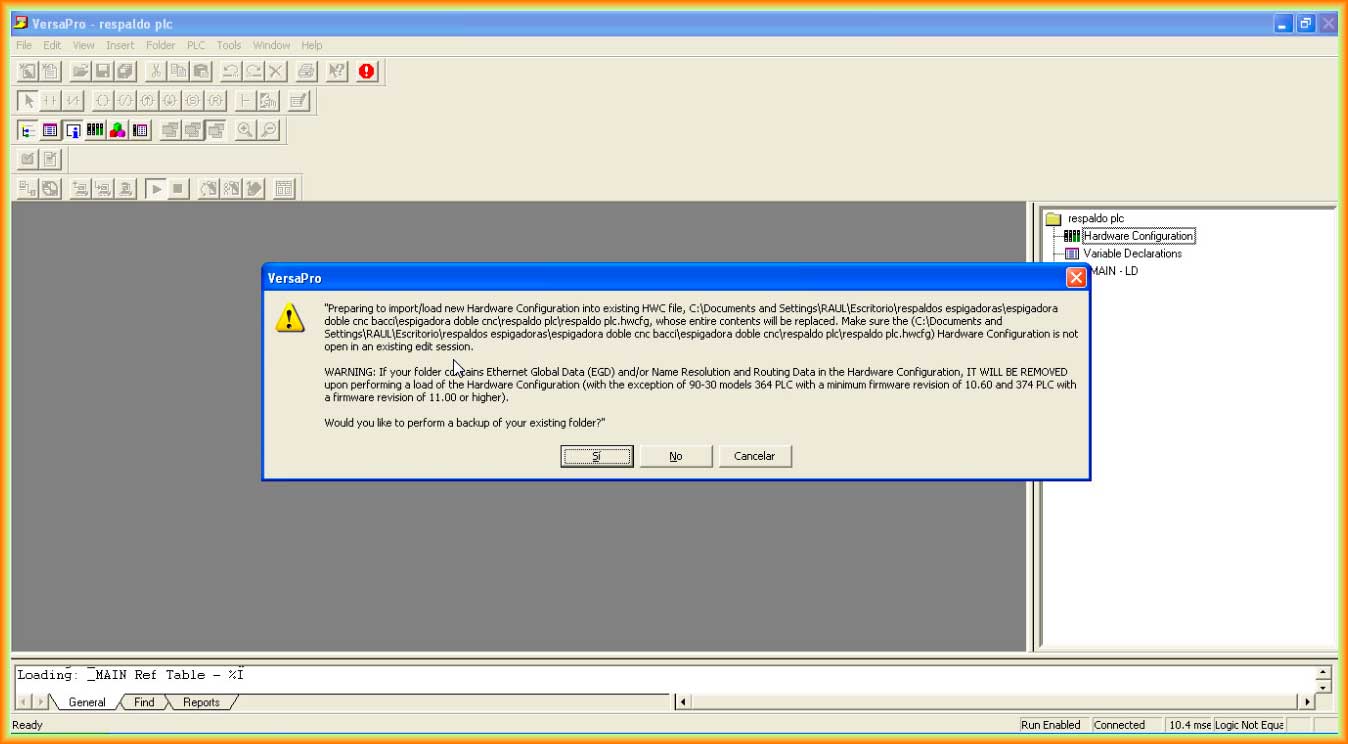
Once confirmed, communication is established and the program and hardware configuration are downloaded.
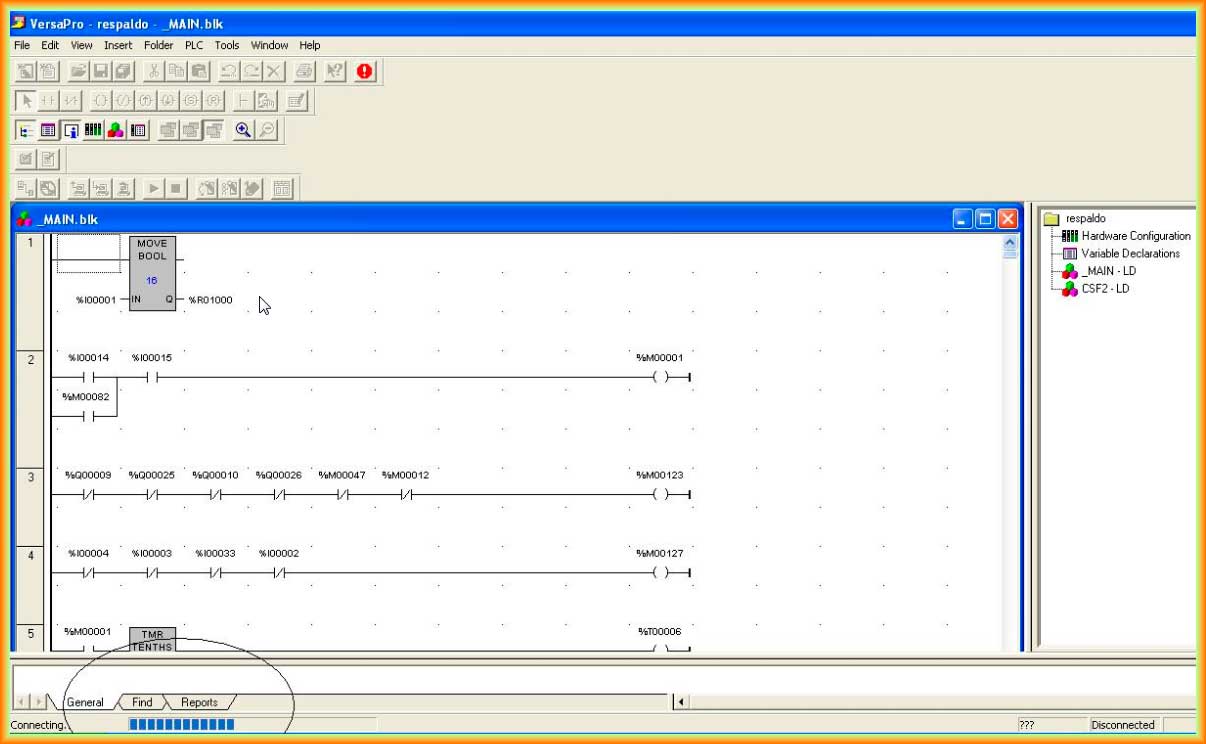
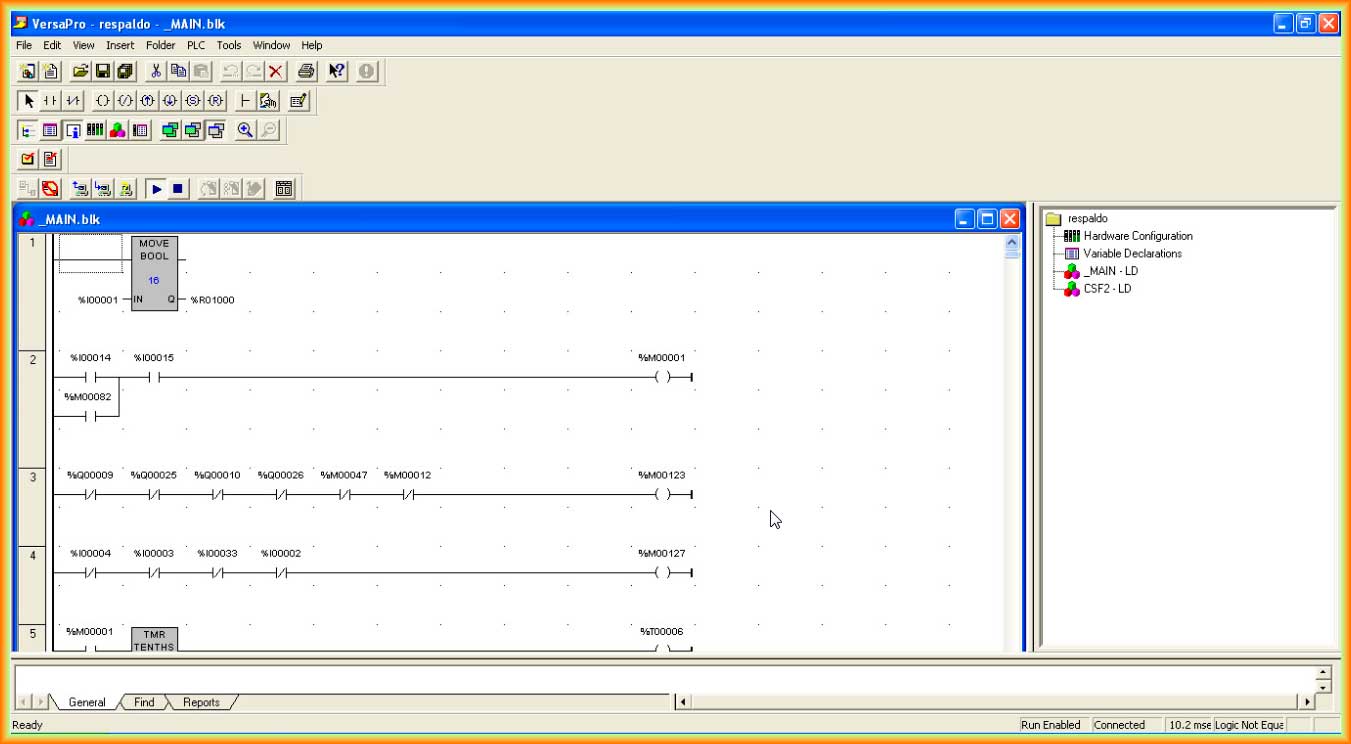
With this, we already have a backup of our project, and we can obviously go online for monitoring or necessary modifications.
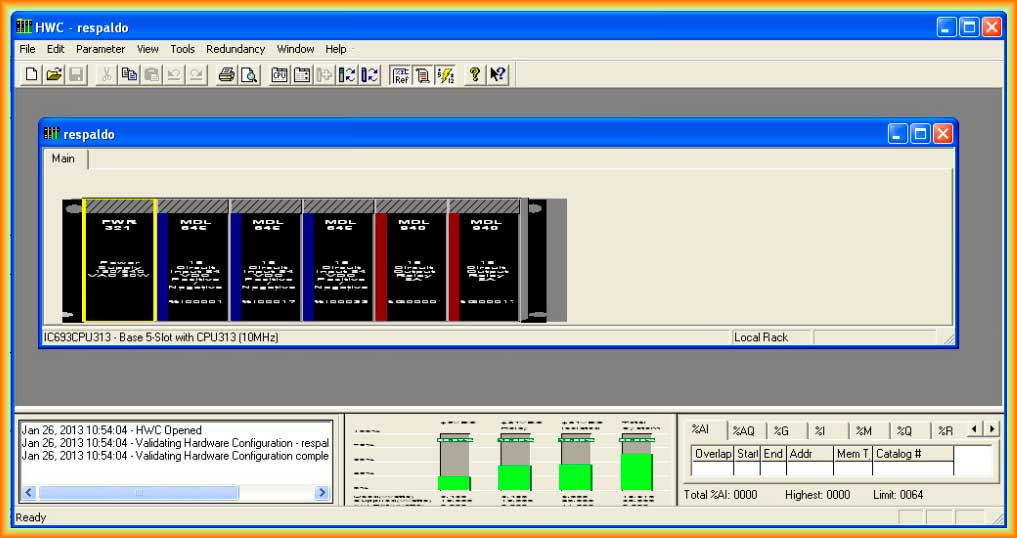
The following image belongs to the hardware configuration we have downloaded.
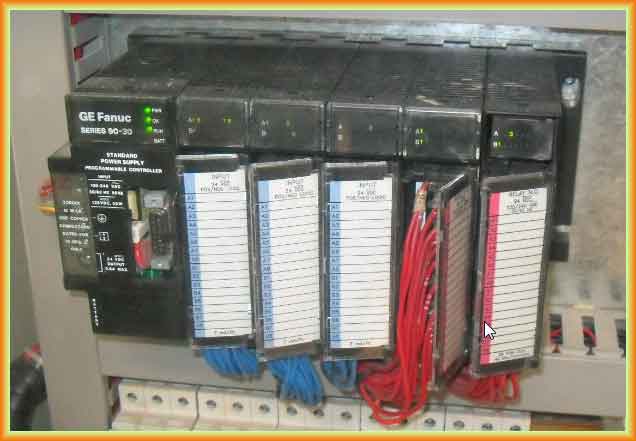
And this is the image of the PLC. Thank you, Raul!!!
January 30, 2013